Why Your Budgeting Method Actually Matters
For homeowners juggling a mortgage, utility bills, property taxes, and the occasional surprise repair, budgeting isn't optional - it's the difference between getting ahead and constantly scrambling. But there's no universal approach that works for everyone. The tool you choose affects how accurately you track spending, how much time you spend doing it, and whether you'll realistically stick with it six months from now.
This comparison breaks down three mainstream methods - pen-and-paper, spreadsheets, and dedicated budgeting apps - across the factors that matter most to homeowners: setup effort, flexibility, accuracy, privacy, and long-term sustainability.
Manual Budgeting: Low Tech, High Awareness
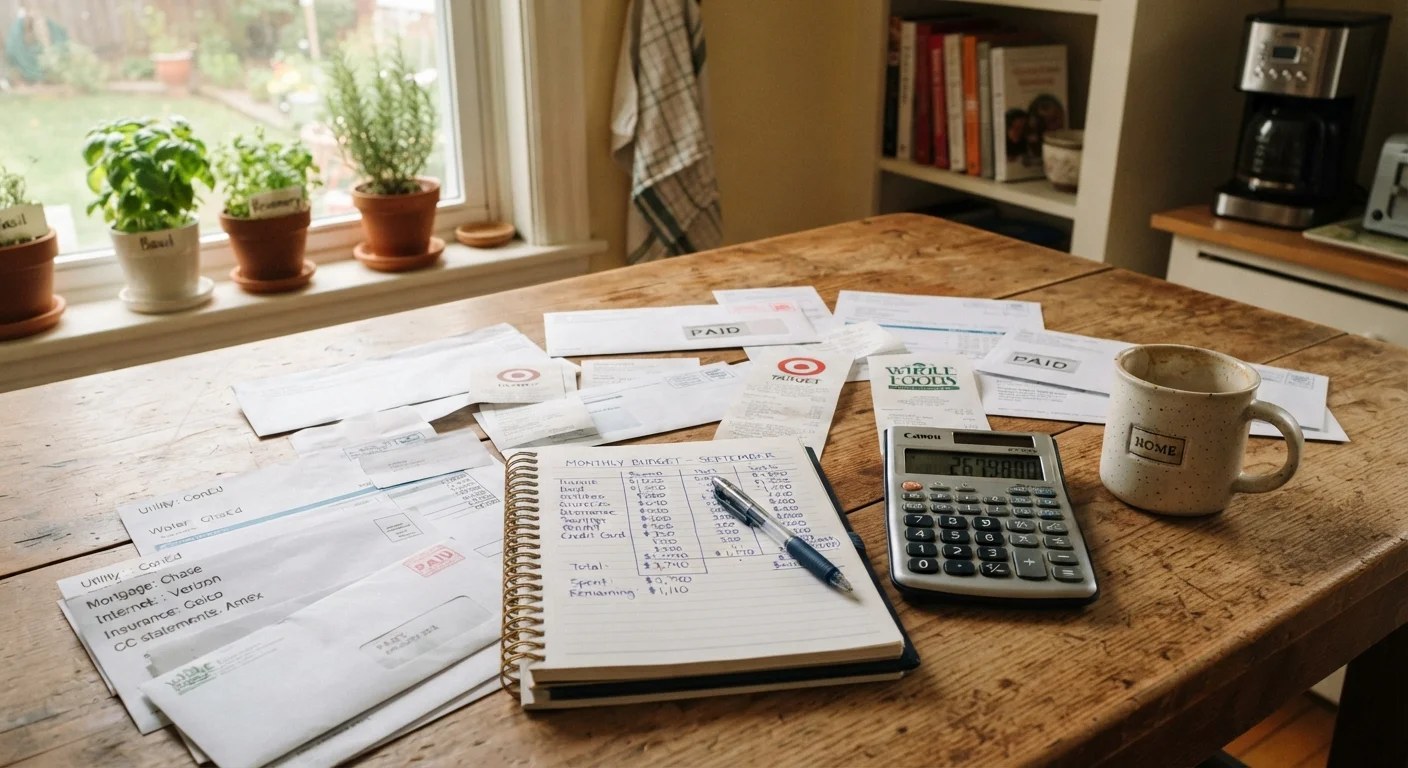
Writing your budget by hand in a notebook or on a dedicated ledger forces you to confront every number directly. Research in cognitive science consistently suggests that the act of writing reinforces memory and comprehension - which is why many financial educators recommend starting here.
Strengths: Zero cost, no login or privacy exposure, and highly customizable to your household's categories. The deliberate pace slows you down enough to notice patterns.
Drawbacks: Prone to math errors, time-consuming to update, and difficult to analyze trends without re-reading weeks of entries. For homeowners managing a mortgage alongside variable monthly costs - lawn care, HVAC maintenance, seasonal utilities - the manual format can become cluttered quickly.
Manual budgeting tends to work best as a starting habit or a reset mechanism when other methods have fallen apart.
Start Simple, Then Add Complexity
If you're new to budgeting or restarting after a gap, begin with just five to seven spending categories rather than trying to track every sub-expense. Homeowners who start broad and refine over two or three months tend to stick with their system longer than those who try to build a perfect system on day one.
Spreadsheets: Power and Flexibility for the Detail-Oriented
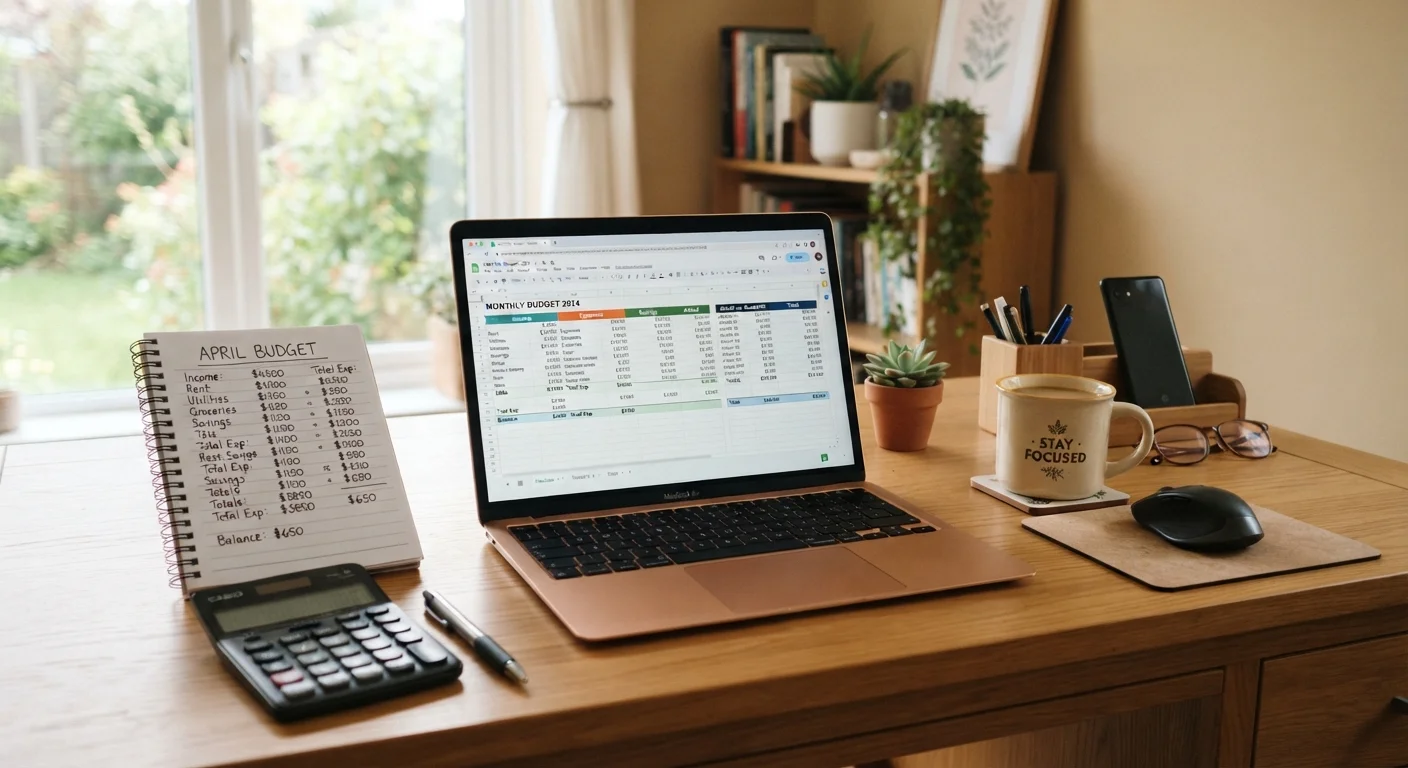
A well-built spreadsheet sits between the simplicity of pen-and-paper and the automation of an app. Programs like Google Sheets or Microsoft Excel let you design custom categories, build formulas that flag overspending, and generate charts that reveal where your money actually goes month to month.
Strengths: Highly adaptable to homeowner-specific categories (escrow, HOA fees, repair reserves). Formulas eliminate manual math errors. Data stays on your device or in your personal cloud account, which limits third-party exposure.
Drawbacks: Requires manual data entry for each transaction, which means it only works if you stay consistent. Initial setup takes time, and a poorly organized sheet can become harder to maintain than a paper ledger.
Spreadsheets reward homeowners who are comfortable with basic formulas and want full control over how their financial data is structured and stored.
| Manual / Pen & Paper | Spreadsheet | Budgeting App | |
|---|---|---|---|
| Setup effort | Minimal - start immediately | Moderate - requires template build | Low - guided onboarding |
| Ongoing time commitment | High - fully manual entry | Medium - manual entry, auto math | Low - mostly automated |
| Flexibility for homeowner expenses | High - fully custom | Very high - fully custom formulas | Medium - preset categories |
| Accuracy risk | Higher - manual math errors | Low - formulas reduce errors | Medium - misclassification risk |
| Data privacy | Strongest - fully offline | Strong - personal cloud/local | Lowest - third-party data sharing |
| Cost | Near zero | Free to low (software) | Free to subscription-based |
| Trend analysis | Difficult without re-reading | Strong with charts/formulas | Strong with built-in dashboards |
Budgeting Apps: Automation With Trade-Offs
Dedicated budgeting apps can link directly to your bank accounts and credit cards, automatically categorizing transactions as they happen. For households with predictable recurring expenses - mortgage, insurance, subscriptions - this near-real-time view can be genuinely useful.
Strengths: Low daily effort once connected. Alerts can flag when you're approaching category limits. Many apps include visual dashboards that make trends easy to read without any setup.
Drawbacks: Connecting financial accounts to a third-party app introduces data-sharing considerations. Review any app's privacy policy carefully, particularly how it shares or monetizes your financial data. Auto-categorization also makes errors - misclassified transactions can distort your picture without you realizing it.
Apps work best for homeowners who struggle with consistency and are willing to trade some data control for reduced friction.
Read the Privacy Policy Before Connecting Accounts
Not all budgeting apps handle your financial data the same way. Some share anonymized transaction data with third parties or use it to surface financial product offers. Before linking your mortgage servicer or bank account to any app, review how the platform stores, uses, and shares your data. If the policy is unclear, that's worth weighing as a real cost - not just fine print.
Choosing What You'll Actually Use
The most sophisticated budgeting system fails if you abandon it by February. When deciding, ask yourself three honest questions: How much time will I realistically spend on this each week? How comfortable am I sharing financial account credentials with a third party? Do I need my system to flex around irregular home expenses?
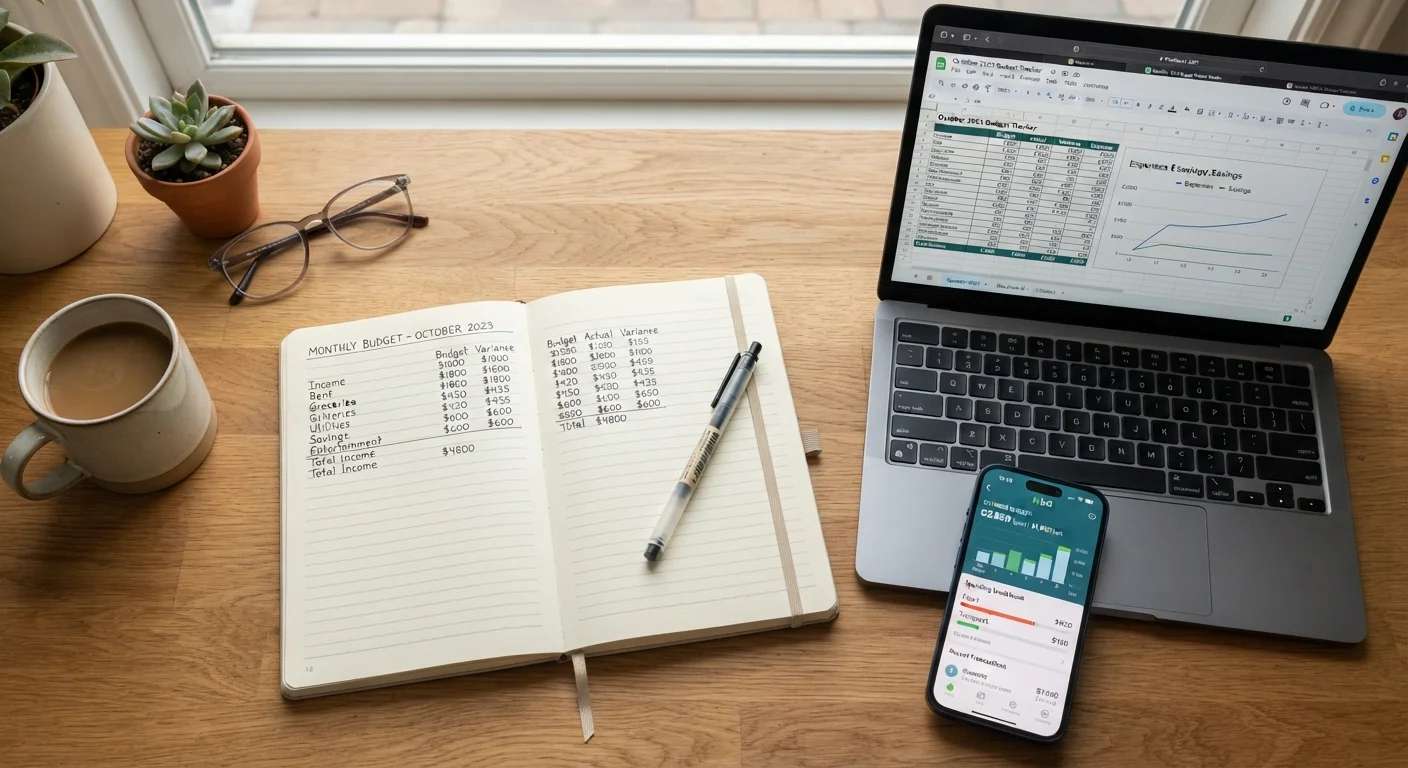
Many homeowners find a hybrid approach most durable - sketching a monthly plan manually, tracking in a spreadsheet, and using an app's dashboard for a quick weekly check-in. There's no rule against combining methods if doing so keeps you engaged.
Whatever you choose, the core discipline is the same: compare planned spending to actual spending at least once a month, adjust for what changed, and build in a small buffer for the home expenses that always seem to arrive unannounced.
This article is for general informational and educational purposes only and does not constitute personalized financial advice. Consider consulting a qualified financial professional regarding decisions specific to your circumstances.