
What Deal-Finding Extensions Actually Do
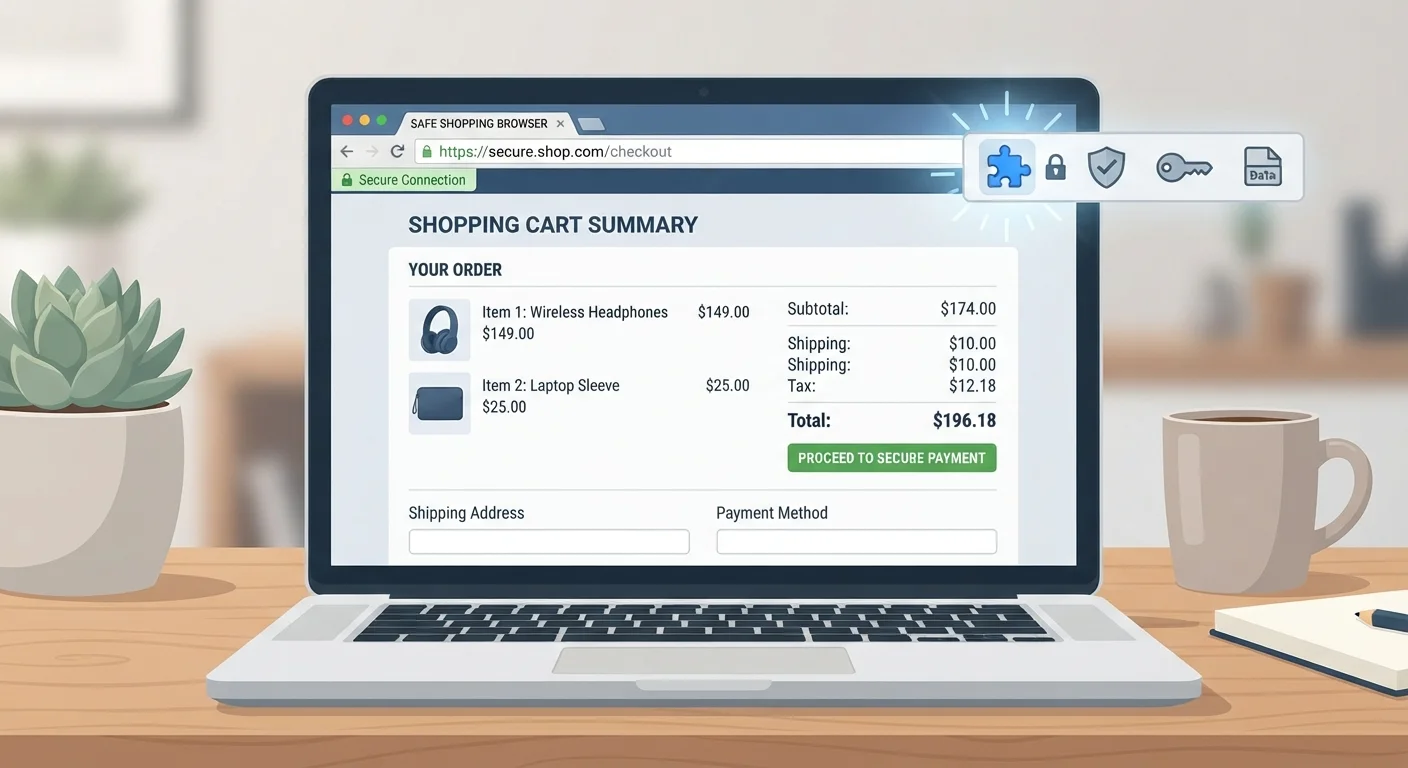
Deal-finding browser extensions sit in your toolbar and activate when you visit a retailer's website. Depending on the extension, they can automatically apply coupon codes at checkout, display a price history chart for the item you're viewing, alert you when a similar product is cheaper elsewhere, or add cash-back rewards to qualifying purchases.
These features address a real friction point: finding and verifying discounts manually takes time, and price history data - which reveals whether a "sale" price is genuinely lower than normal - isn't easy to find without a dedicated tool. Extensions automate both tasks, which is the core of their appeal for busy shoppers.
Before installing any extension, it's worth understanding that the coupon and cash-back features aren't offered out of generosity. Extensions earn revenue through affiliate commissions when they facilitate a purchase, and often through the data they collect about your browsing behavior. That's the exchange, and it's worth knowing about it upfront. For a broader introduction to building smart shopping habits, see a plain-language starting point for cautious shoppers.
The Genuine Benefits Worth Acknowledging
Automates coupon code testing at checkout
Rather than searching manually for codes that may or may not work, extensions test available codes in seconds - saving time and reducing frustration.
Displays verified price history for products
Seeing a product's price over 30-90 days helps you identify whether a sale is genuine or a manufactured markdown from an inflated reference price.
Surfaces price comparisons across retailers
Some extensions alert you when a product you're viewing is available elsewhere at a lower price, without requiring you to open multiple tabs.
Cash-back tracking runs passively in the background
Cash-back features can credit earnings on qualifying purchases without any extra steps, making them one of the lower-effort savings mechanisms available.
The price history feature deserves particular attention. Retailers frequently inflate a product's "original" price before marking it down, making a modest reduction look like a steep discount. An extension that shows a 90-day price graph lets you verify whether the current price is actually a low point - or just routine. That single feature can prevent a surprisingly common type of misleading pricing from working on you.
Coupon automation is also genuinely useful. Searching for working coupon codes is time-consuming and often fruitless; extensions that test codes automatically save that effort. Even when they don't find a code, knowing a search was conducted takes something off your mental checklist. For more on evaluating whether a deal is real before you commit, the pre-purchase checklist covers the key questions to run through.
The Privacy Trade-offs You Should Understand
Broad data permissions are the norm, not the exception
Many extensions request access to all websites you visit, not just retailers - meaning they can observe browsing behavior well beyond shopping contexts.
Purchase and browsing data is often sold to third parties
Privacy policies for several widely used extensions explicitly allow sharing aggregated or anonymized data with advertising partners, researchers, or data brokers.
Coupon suggestions may prioritize affiliate revenue
Extensions may surface codes or cash-back offers tied to retailers where they earn a commission, which doesn't always align with where the price is actually lowest.
Extensions can slow browser performance
Running multiple extensions simultaneously can increase page load times and memory use, particularly on older hardware or slower connections.
Data practices can change without prominent notice
Extensions update silently, and a privacy policy that looks acceptable today can change after acquisition or a business model shift.
Extensions and Retailer Loyalty Programs
If you're enrolled in a retailer's own loyalty or rewards program, check whether using a third-party extension at checkout could affect your points or rewards accrual. Some retailers' terms restrict cash-back stacking with affiliate-linked tools. A quick review of the program's terms - or a test purchase - can clarify whether both benefits apply simultaneously.
It's also worth noting that extensions can occasionally interfere with a retailer's own loyalty discounts or promotional pricing - some checkout systems don't interact cleanly with auto-applied codes. If something looks off at checkout, disabling the extension temporarily is a reasonable troubleshooting step.
Hidden costs are another reason to check carefully: even when an extension finds a lower price, shipping fees or restocking charges can erode the savings. See how hidden costs can quietly erase your savings before assuming a lower sticker price is a better deal.
How to Use Extensions Without Overexposing Yourself
The most practical mitigation is to treat extension installation as a deliberate decision rather than a routine click. Before installing, read the permissions the extension requests. An extension that asks to "read and change all your data on all websites" has access to a great deal of information - more than one focused only on shopping sites. Narrower permissions generally mean narrower data collection.
A second approach is to create a separate browser profile dedicated to online shopping. This separates your general browsing history from your shopping activity, limiting the behavioral picture any extension can build. Most major browsers support multiple profiles with no additional software required.
79%
Users who rarely review extension permissions
A Pew Research Center survey found that a large majority of Americans feel they have little control over data collected about them, with limited review of app and extension permissions being a contributing factor.
~30%
Retail "sales" that aren't true price reductions
Consumer advocacy research has repeatedly found that a significant share of promotional pricing reflects inflated reference prices rather than genuine markdowns from a product's typical selling price.
Finally, resist treating the extension's suggestion as the end of your research. An extension that flags a competing price is worth acting on - but confirming that price on the competing site directly, and checking for any conditions, takes only a moment and protects you from mismatches. This fits within a sustainable deal-hunting habit that doesn't consume more time than the savings justify.