Why Discount Stacking Requires a System
Combining promotions sounds straightforward, but the mechanics vary widely by retailer, promotion type, and even the order in which offers are applied. Without a consistent approach, shoppers frequently end up with fewer savings than expected - or trigger conflicts that void a legitimate discount entirely.
The concept maps onto the same kind of deliberate layering seen in other areas of consumer strategy. For example, our guide on deal hunting across online and in-store shopping illustrates how the tactics that work in one context don't automatically transfer to another - the same principle holds when stacking promotion types.
There's also a psychological dimension worth keeping in mind. Seeing multiple discounts can make a purchase feel more justified than it otherwise would. Our piece on the psychology of discounts explores why a stacked offer can feel like a windfall even when the total saving is modest. A methodical approach keeps the focus on actual dollar amounts rather than the perception of a great deal.
What you will need
Before working through the steps below, gather the tools that make stacking systematic rather than haphazard.
Retailer's coupon policy page
Confirms which discount types can be combined and which are mutually exclusive.
Cashback portal account
Adds a rebate layer on top of existing store promotions when the portal is activated first.
Rewards credit card
Earns points or cash back on the final transaction amount, layering on other discounts.
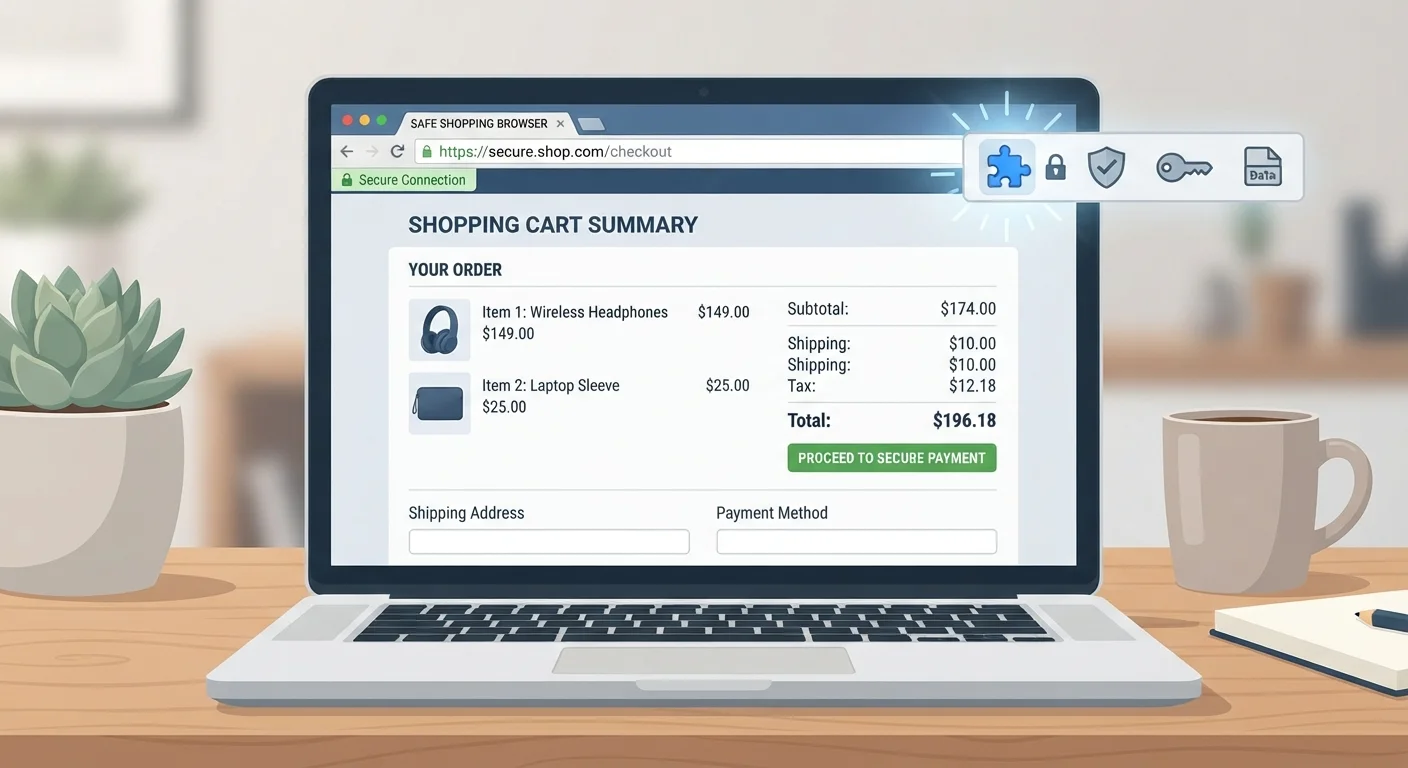
Browser extension for automatic coupon codes
Surfaces publicly available promo codes at checkout so you don't miss an easy layer.
Common Pitfalls and How to Avoid Them
Even careful shoppers run into stacking failures. The most frequent are: a store coupon that silently drops when a sale price is already applied; a cashback session that breaks when the user opens a second tab; and loyalty points redeemed before a promo code, pushing the cart below the code's minimum spend threshold.
Loyalty programs deserve particular scrutiny. They're often marketed as straightforward, but their interaction with one-off promo codes isn't always clear. Our article on loyalty programs, cashback, and points walks through how to evaluate whether a program's structure actually benefits your shopping pattern - useful context before deciding how aggressively to stack it with other offers. Similarly, loyalty programmes vs. one-off discount codes can help you decide which layer to prioritize when the two conflict.
Stacking Doesn't Override Retailer Terms
No combination of discounts can override a retailer's explicit exclusions. Clearance merchandise, gift cards, and certain brand categories are frequently excluded from coupon stacking regardless of how the offer is worded. When in doubt, contact the retailer's customer service before completing the purchase - not after.
Stacking also has a scope boundary: it works well on purchases you already intended to make. When a compelling stack of offers nudges you toward buying something you didn't need, the net savings are effectively zero. The Smart Buying hub covers how to evaluate value before committing - a useful check before letting a promotional stack drive the decision. For broader context on stretching each dollar, the Budget Stretching hub is a good companion resource.
Identify every available discount type
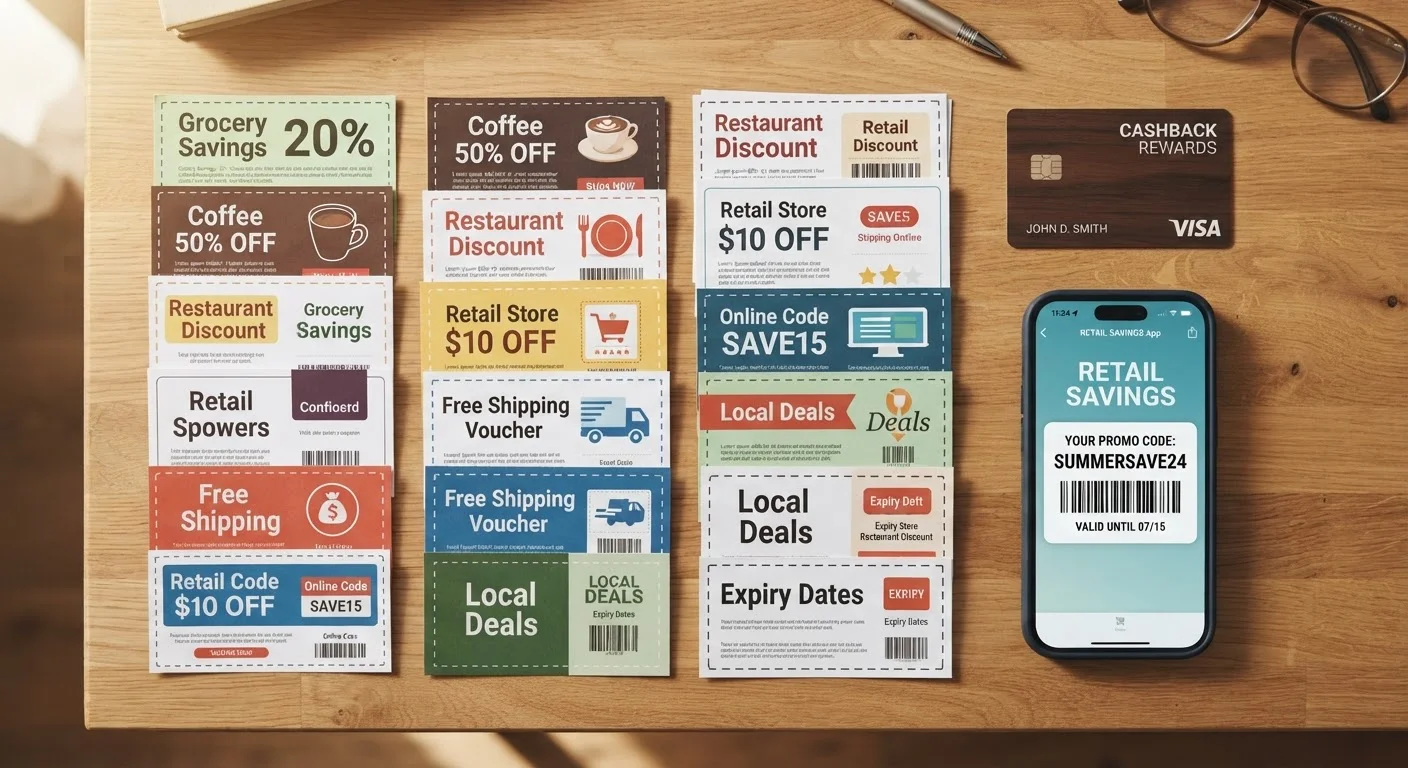
Before combining anything, list every discount that could apply to your purchase. Common layers include: a store-wide sale or clearance price, a manufacturer coupon, a retailer-specific coupon code, a loyalty program reward, a cashback portal rebate, and a credit card reward. Knowing what exists before you start prevents you from missing a layer or accidentally voiding one.
Read the terms for each discount
Each promotion carries its own eligibility rules. Look specifically for: whether the discount applies to sale items, a minimum spend threshold, a one-per-transaction limit, and any language like 'cannot be combined with other offers.' Manufacturer coupons and store coupons are often stackable with each other, but two store coupons of the same type rarely are.
Activate cashback portals before adding items to your cart
Cashback portals track your session from the moment you click through their link to the retailer. If you navigate to the retailer's site directly and add items first, then activate a portal, your session may not be tracked and the rebate won't post. Always start from the portal, then proceed to the retailer's site in the same browser session without opening new tabs to competitor sites.
Apply discounts in the correct sequence at checkout
Order matters. As a general rule: let the retailer apply any automatic sale price first, then enter a manufacturer coupon code, then a store coupon code. Loyalty points or reward redemptions typically come last. Applying codes in the wrong order can cause the system to reject a valid code because the cart total has already dropped below a threshold requirement.
Verify the final cart total before completing the purchase
After applying all discounts, review the order summary line by line. Confirm that each discount appears as a separate line item and that the amounts match what you expected. If a code appeared to apply but the discount amount is missing from the summary, remove and re-enter it. Do not assume a confirmation message means every layer was honored.
Track pending cashback and reward credits
Cashback and loyalty rewards are often marked 'pending' for days or weeks until a return window closes. Check your portal and card accounts after the expected posting period. If a rebate never posts, contact the portal's support with your order confirmation number and the screenshot from step 5. Most reputable portals have a claims process for missing cashback.